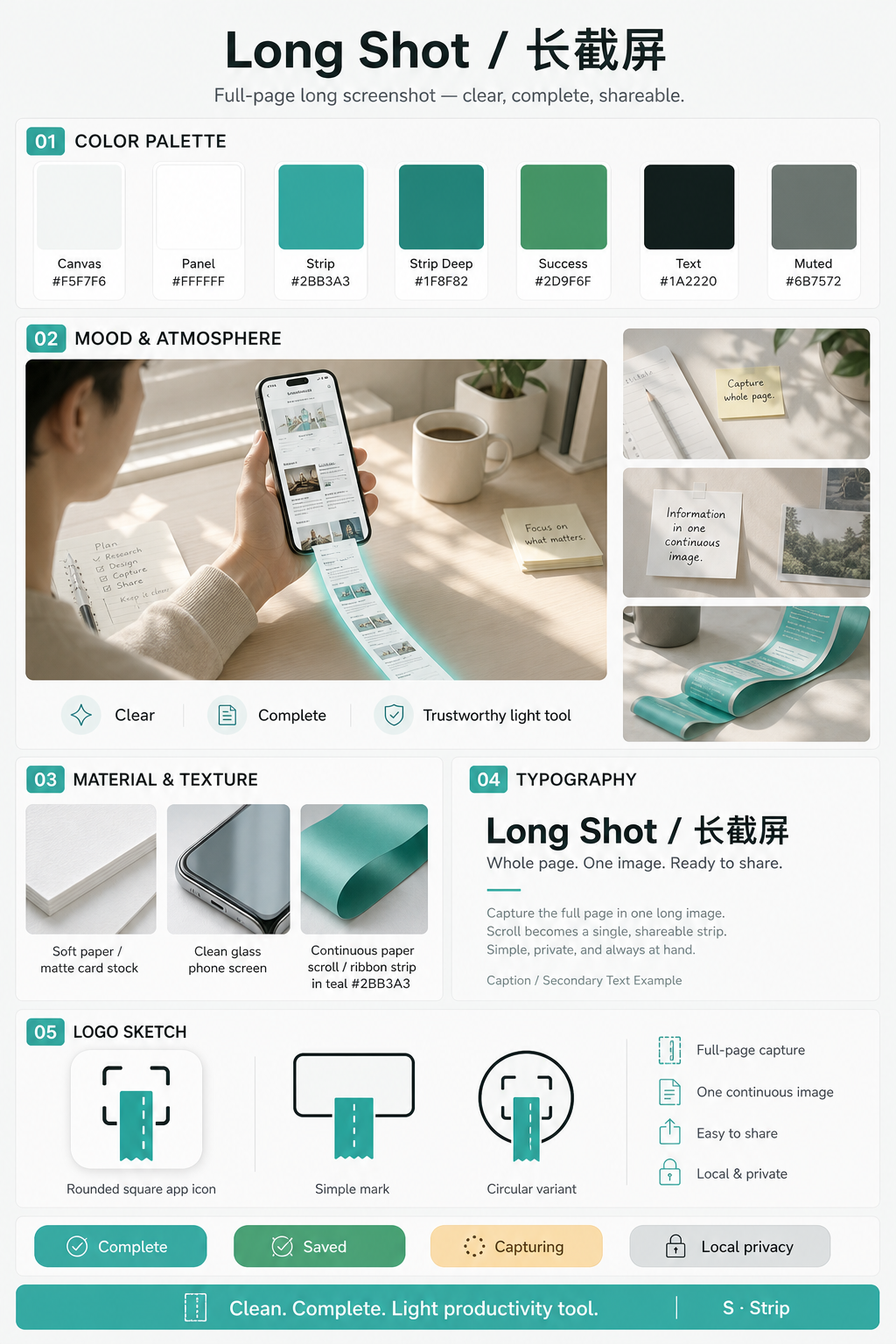
Brand direction S · Strip — scroll becomes one clean long image.品牌方向 S · Strip — 把捲動變成一張乾淨長圖。
Stitch shots拼接截圖
Pick top-to-bottom screenshots with a little overlap.
選由上往下、相鄰有重疊的連續截圖。
Or stitch recordings或拼錄影
Use system Screen Recording, then extract frames here.
先用系統螢幕錄製邊滑邊錄,再回 App 抽幀。
On-device privacy本機隱私
No account. No upload of your media to our servers.
無帳號;媒體不上傳到我們的伺服器。
In the app
產品畫面
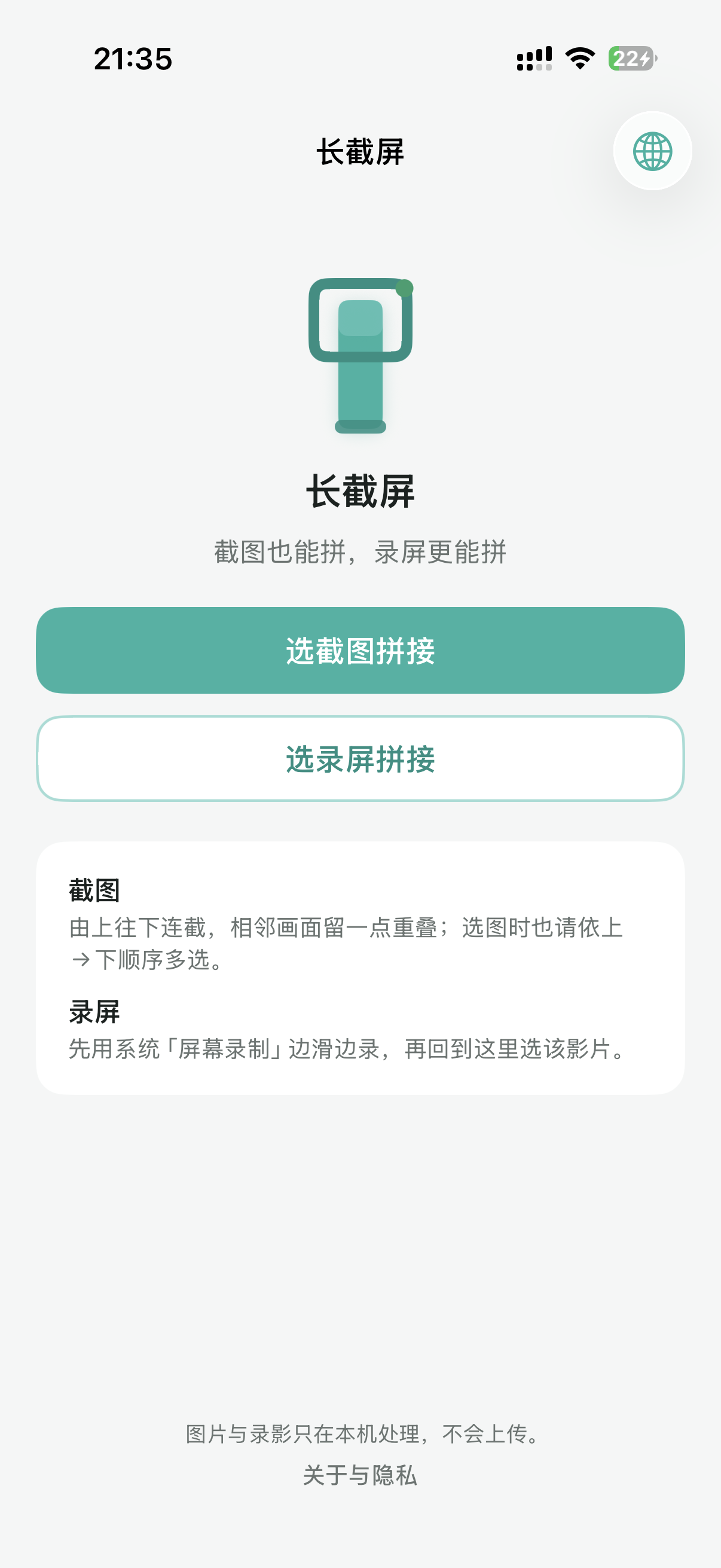
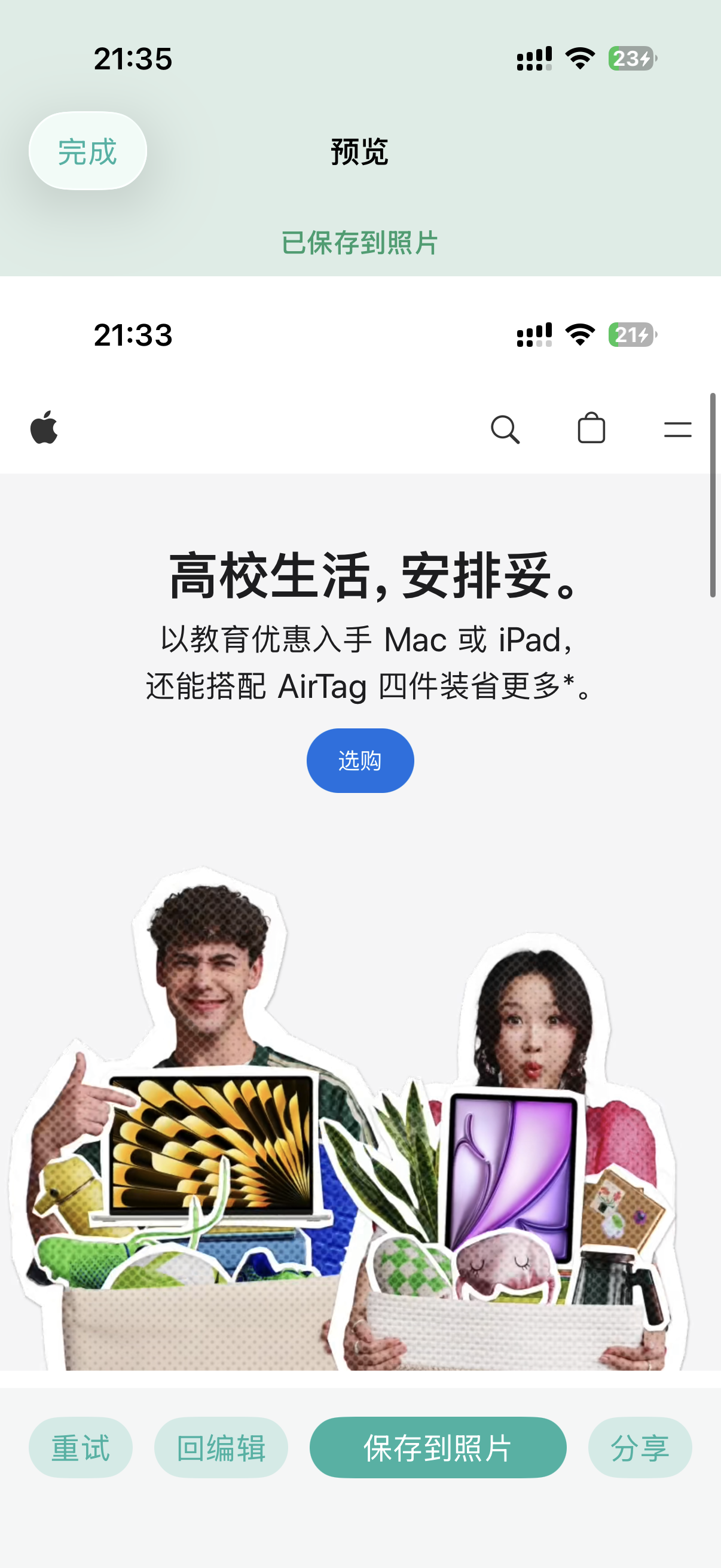
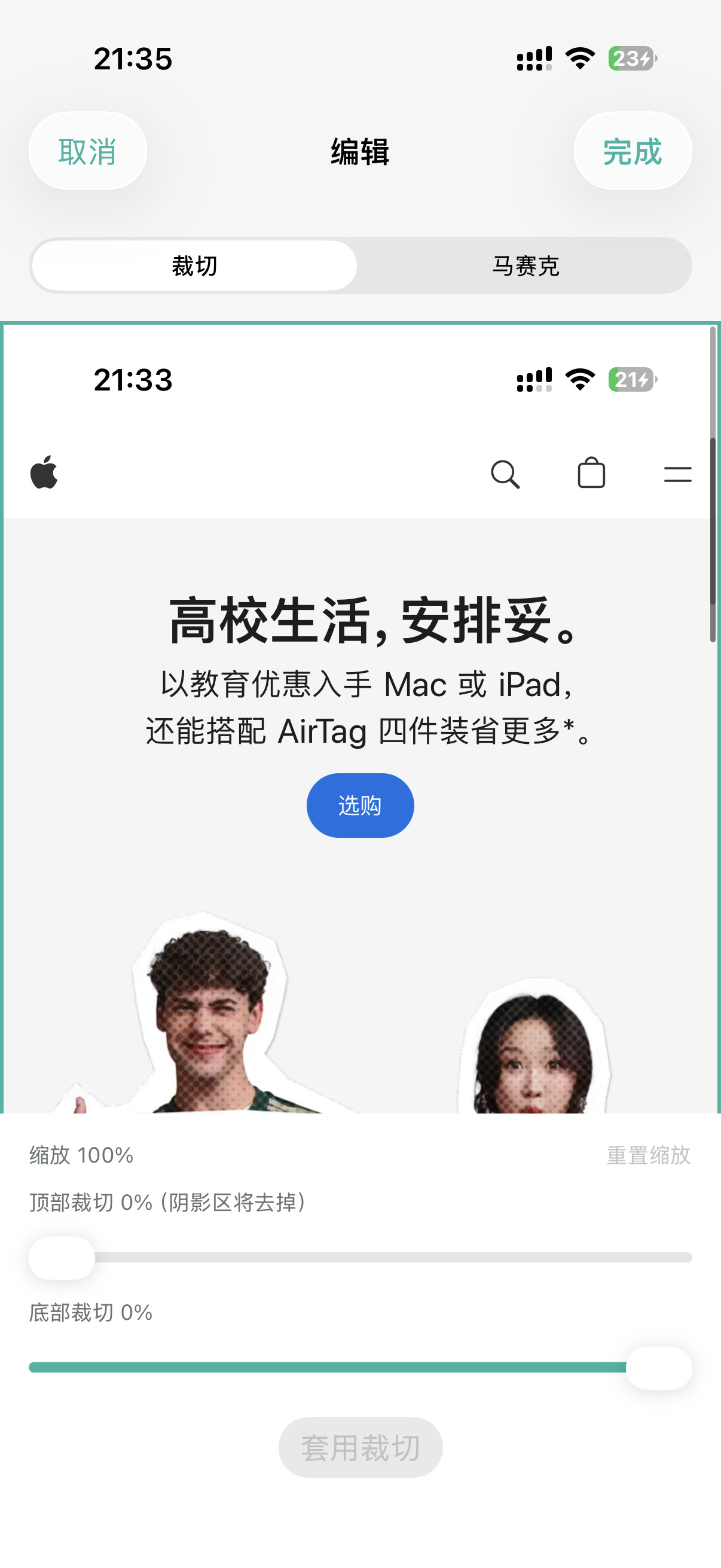
Home, stitch preview, crop, and mosaic — the path from pick to share.
首頁、拼接預覽、裁切與打碼 — 從選圖到分享的主路徑。
Home — choose screenshots or a screen recording.首頁 — 選截圖拼接或選錄屏拼接。Preview — save to Photos or share.預覽 — 儲存到照片或分享。Crop top and bottom chrome.裁切頂底系統欄與多餘邊。Mosaic what you share — drag to redact.框選打碼後再分享。
iOS cannot auto-scroll third-party apps. Scroll yourself, capture shots or a recording, then stitch in Long Shot.
iOS 無法替第三方 App 自動滾動。請自行滑動後截圖或錄屏,再回 Long Shot/長截屏拼接。
 Long Shot